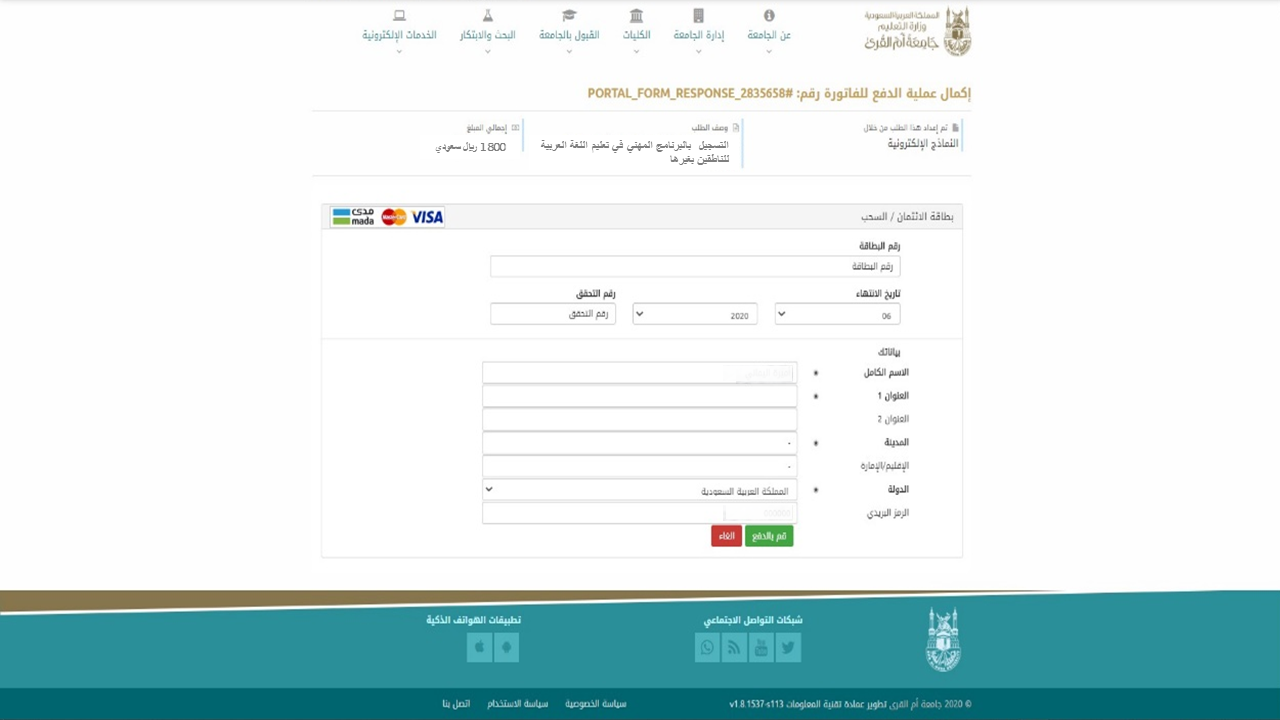
Fees Payment Mechanism
Please take the following steps:
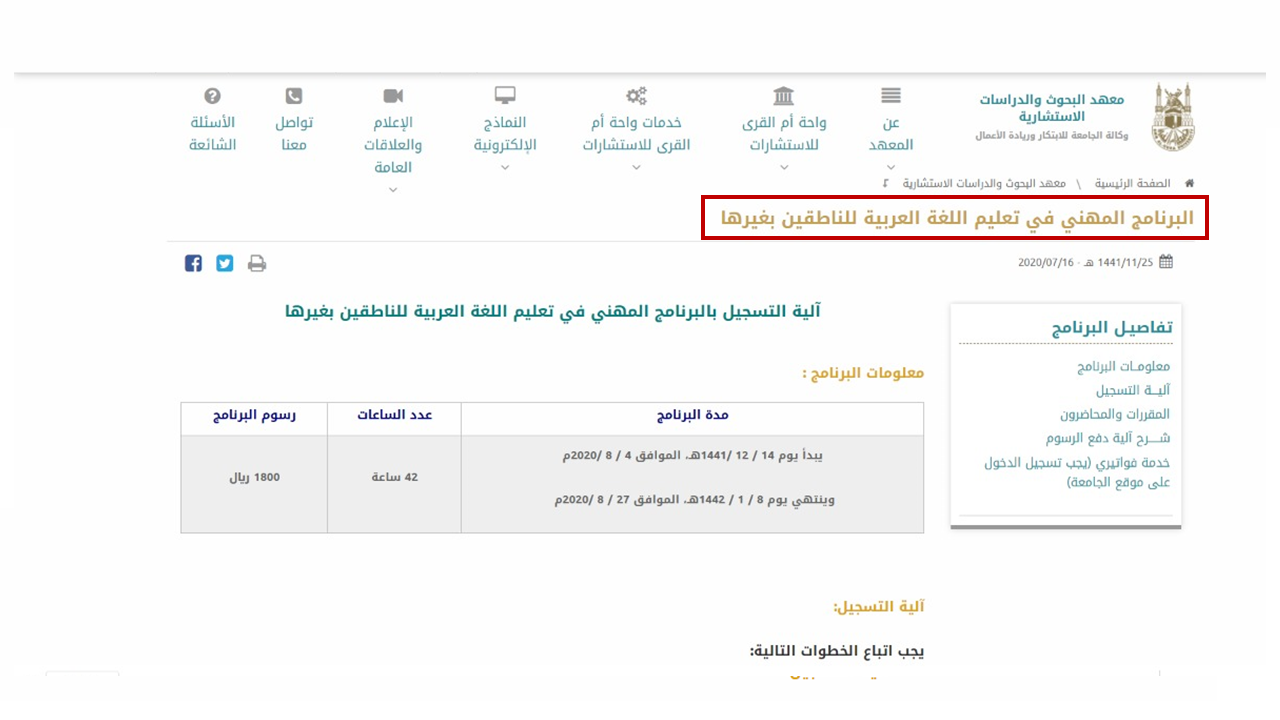
1. Go to the Program page on the UQU website through the following link: Click here.
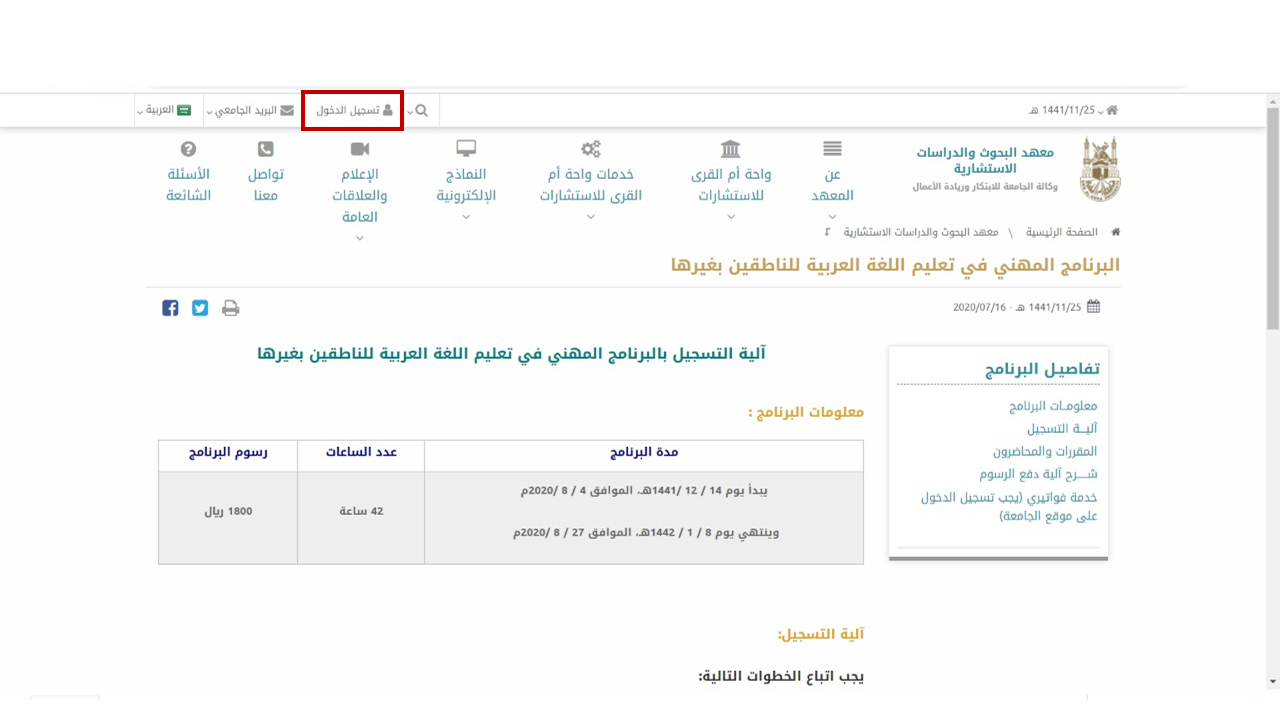
2. Log in to your personal account on the university’s website (via the email used for registration in the Program).
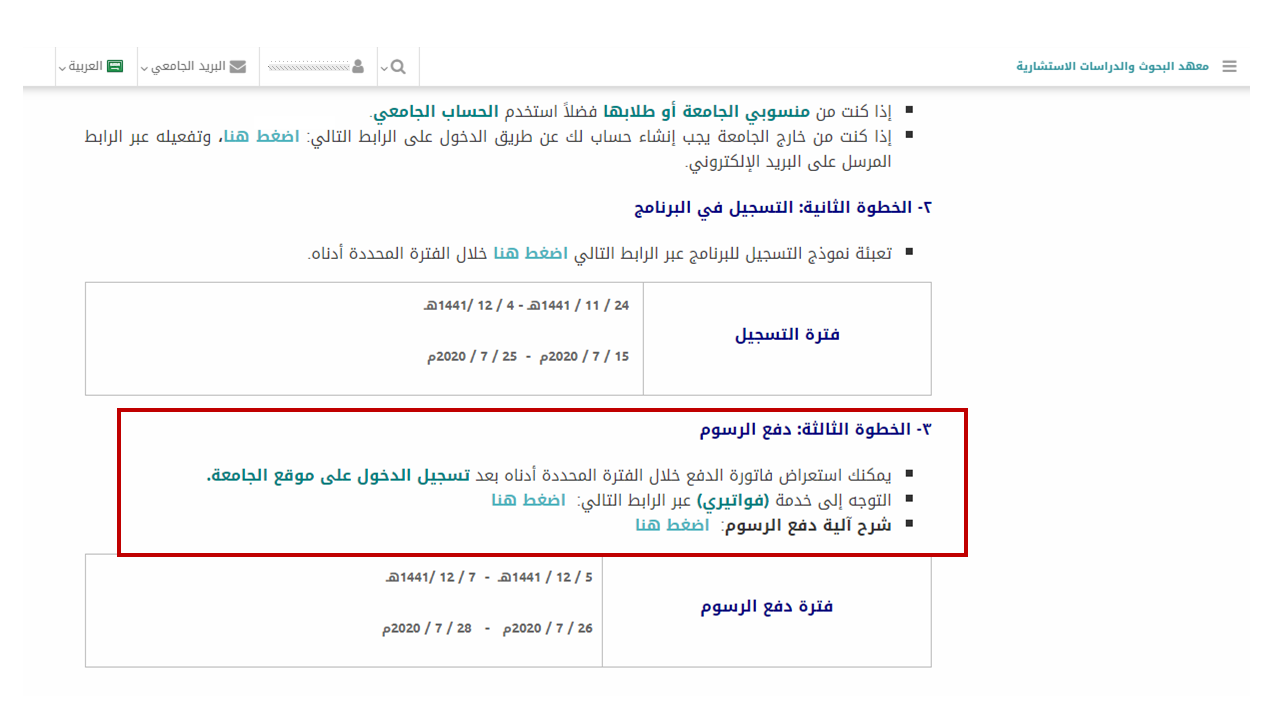
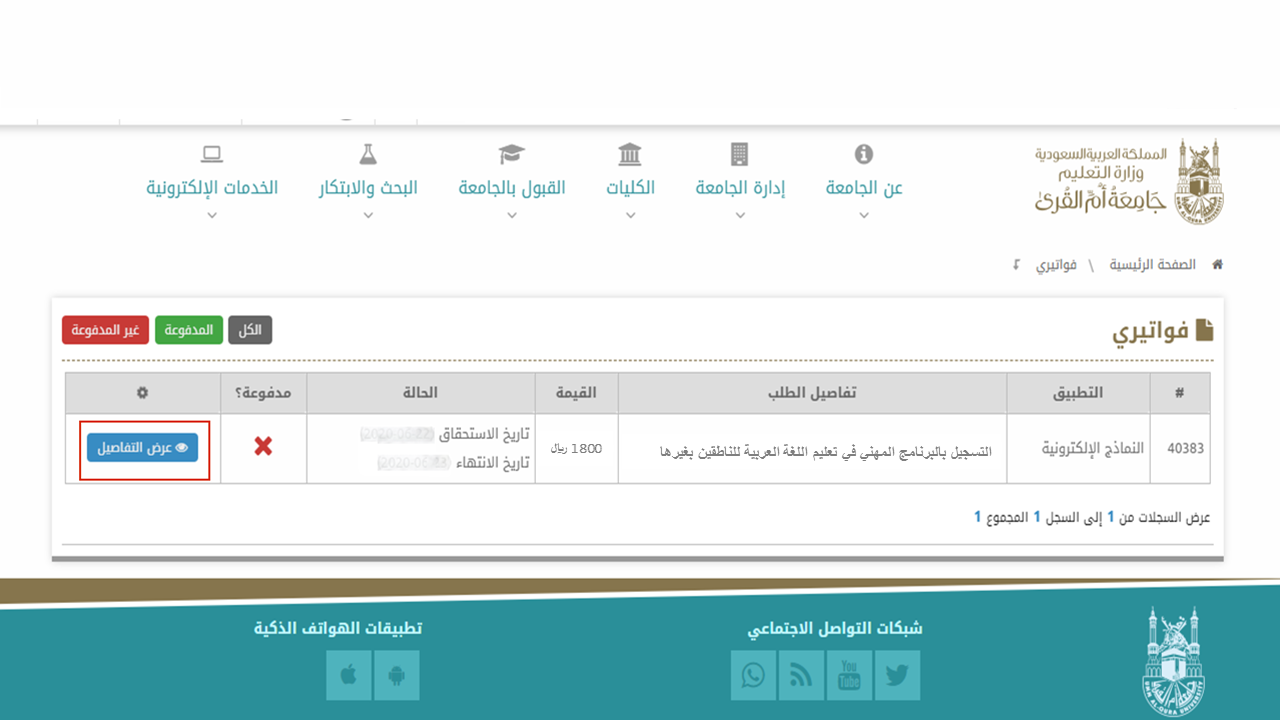
3. Go to "My Invoices" service to view the outstanding invoices.
4. Choose the invoice you wish to pay and click on the "View Details" icon.
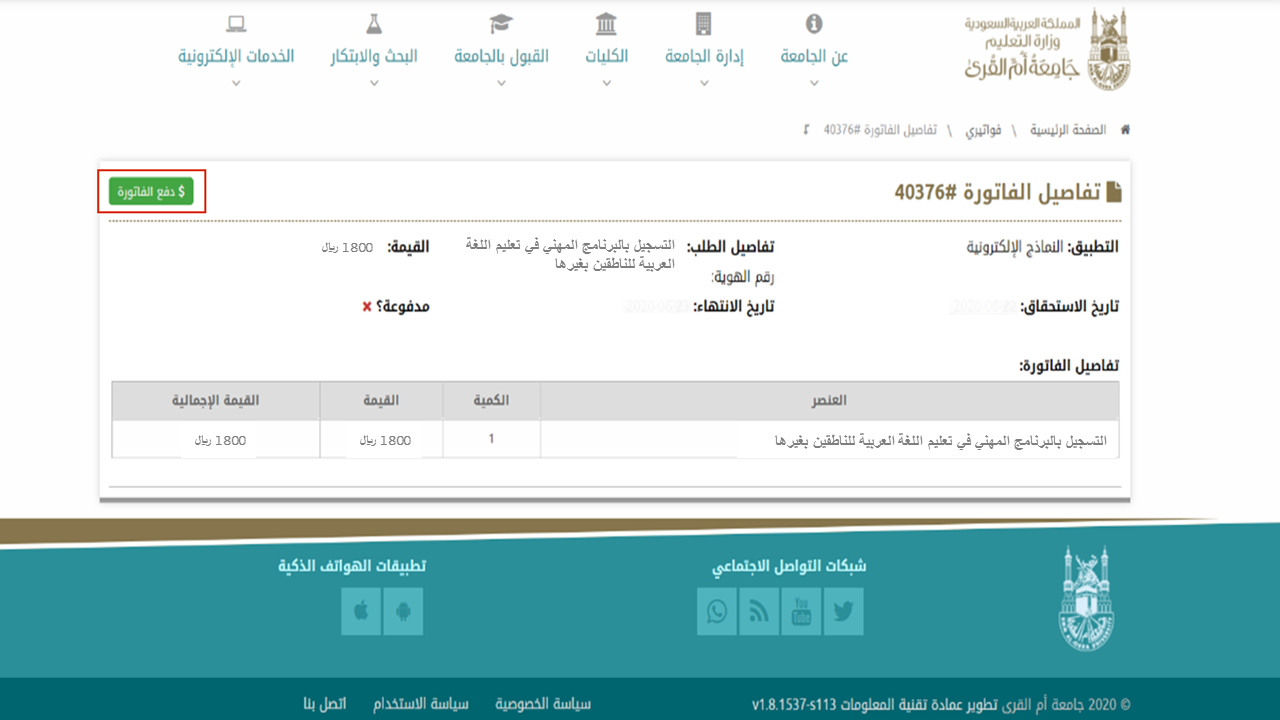
5. The invoice details will be displayed. Please click on the "Pay Invoice" icon.
6. Complete your payment information.